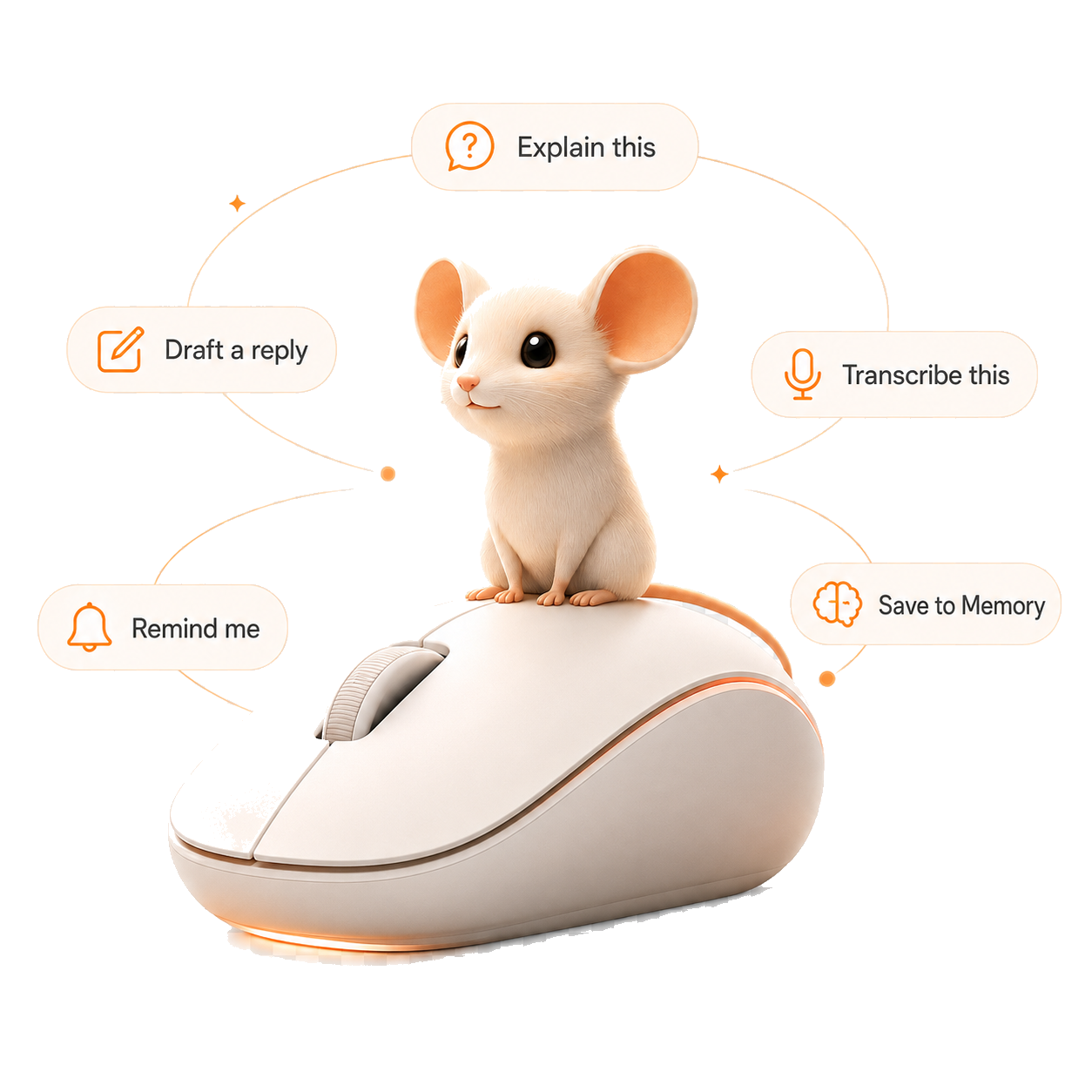
Voice to text, anywhere
Hold to talk, let go, and the words appear in whatever app you're in. Mail, Notes, Slack, your code editor. Free, unlimited, and local.
 MightyMouse
Turn your mouse into the smartest thing on your computer.
Enter your email and we'll send your download link + free $5 in credits.
Pay as you go after. Or bring your own Claude Code / Codex, free forever.
Transcribe any video or audio · Personalize & customize · Bring your own key · Works with Claude Codex
Hold one key and talk. MightyMouse turns your voice into text anywhere on your Mac, or acts on what you said. Dictate an email, ask a question out loud, or tell it to clean up the paragraph you just selected.
You speak about three times faster than you type. Transcription runs locally with Whisper, so your voice never leaves your Mac and there's no per-minute fee for it.
Hold to talk, let go, and the words appear in whatever app you're in. Mail, Notes, Slack, your code editor. Free, unlimited, and local.
Ask what you worked on yesterday, or what that thing was you rewrote last week. MightyMouse keeps your history on your Mac and can search it in plain language. Nothing syncs to a cloud. You can turn on encryption to lock it with your Mac's Keychain.
Three modes, one hotkey. Rewrite fixes the text you selected. Ask answers a question about it. Act does real work on your files, like renaming a folder or pulling numbers out of a spreadsheet.
MightyMouse Mobile turns your iPhone into a trackpad and a microphone for your computer. Scan a code, and your phone becomes the remote. Move the cursor, click, and hold the mic to speak an instruction your Mac carries out. It works over your home network or over cellular when you're away from the desk.
Already paying for Claude Code, Codex, Gemini, or OpenCode? Connect it and MightyMouse is free forever. Want everything offline? Run a local model through Ollama or MLX. Want zero setup? Use the built in option and pay only for what you use.
Build the actions you actually repeat. Pick an icon, pick a mode, write the instruction once, and it's a shortcut from then on. There's also Mighty, a full screen chat window for longer back and forth.
The same click-and-drag rhythm as using your mouse, just talking instead of pointing.
Text in any app, or a file in Finder.
A small panel opens next to your cursor.
Type it or hold the mic and speak.
The result replaces your selection or copies to your clipboard.
MightyMouse is a native macOS app, not a browser extension. Voice transcription runs on your Mac. Your history stays on your Mac and never syncs to a cloud. Turn on encryption and it's locked with your Mac's Keychain.
Nothing is sold and nothing trains a model. Run a local model through Ollama or MLX and your text never leaves the machine either.
The download is free and includes five dollars in credits. After that you pay for what you use, or connect your own Claude Code or Codex account and use it free forever.
Not yet. macOS is available now. Enter your email above and we'll tell you when the Windows version is ready.
Claude, OpenAI Codex, Gemini, and OpenCode all work with your own account. You can also run local models through Ollama or MLX, or use the built in option with no setup.
Yes. It runs locally on your Mac with Whisper, so there's no per minute charge and no upload. Speak as much as you want.
Open Settings on your Mac and scan the code with your iPhone. Safari opens a control page with a trackpad and a mic button. Drag to move the cursor, tap to click, hold the mic to speak an instruction.
No. Voice, rewriting, and asking questions need no technical setup. The file and code features are there if you want them.
No. Apple's Mighty Mouse was a hardware mouse discontinued in 2009. MightyMouse is an AI app for macOS, built by Techguyver Labs.